In this modern world, can we even think about a business or organization without having a website? Absolutely NO!
All businesses & organizations require an online presence; for this, it’s essential to have a website. But having a website alone is not sufficient enough, you should also make it as easy and interactive for your visitors. Having a contact form on your site allows visitors to easily get in touch with you, ask questions, give feedback, and make business inquiries without leaving the website.
Contact Form 7 has been a popular plugin for ages many other best contact form plugin for WordPress come with more features, better results, and easier customization.
In this article, we will cover why Contact Form 7 WordPress plugin might not be the best choice and explore some fantastic and advanced Contact Form 7 alternatives together!
Why Do You Need a Contact Form on Your Website?
Having a contact form on your website will revolutionize! Contact form is one of the must have plugins for your website. You can allow your visitors to contact you immediately (without the need for an email). They may have something to say, ask, or want your services with just a click.
The contact form is a great method by which you can collect this information from your audience who may turn into prospective leads. And it ensures your email address remains private, so you don´t get spammed. In summary, a contact form will increase the website’s professionalism and create a link with your audience.
The Limitations of Contact Form 7
Contact Form 7 is a great choice if you are building your WordPress site. It provides standard features and is compatible with almost every WordPress theme as well as plugins. But as the modern website requirements have changed so Contact Form 7 WordPress plugin just could not do everything that a modern website needs.
It lacks modern features such as drag-and-drop builders or conditional logic, repeater field, or multistep functionality and is not very well-equipped for your form customization needs; It can be a little difficult to customize the forms you have created, and it does not come with advanced customizations so if must add extra coding on top of its already existing code or extentions which may potentially confuse beginners.
Most extensions come from different developers, which can lead to compatibility issues. The plugin can also make your site slow and it is hard to get support since this is a free plugin.
The Best WordPress Contact Form 7 Alternatives for 2026
In this article, we explore the best Contact Form 7 alternatives. The other good thing about these alternatives is that they offer greater flexibility, better design, and additional features to help you create forms for your website. Find the best contact form 7 alternatives plugin bellow:
Bit Form
WPForms
Gravity Forms
Fluent Forms
Ninja Forms
Formidable Forms
Happy Forms
Met Form
Typeform
1. Bit Form – Advance WordPress Contact Form Builders
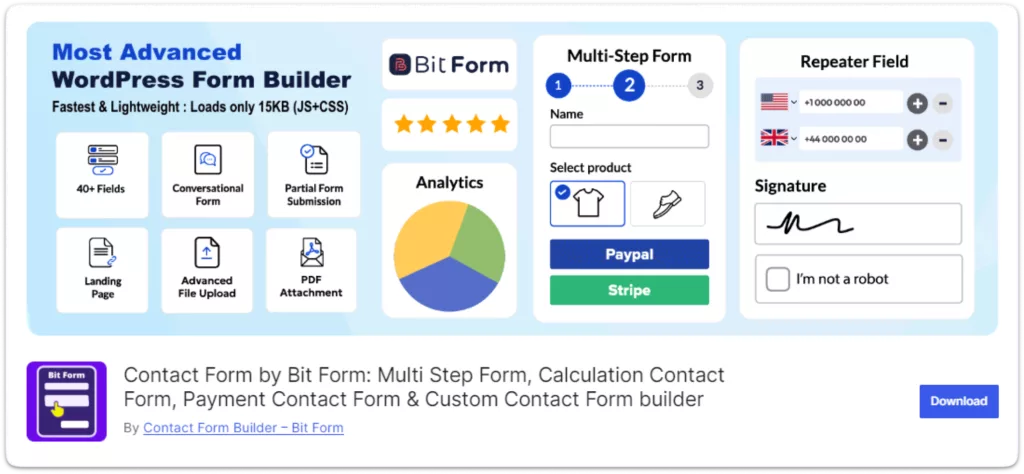
Bit Form is one of the most lightweight, powerful, and advanced free contact form builders if you want to do more than what the Contact Form 7 WordPress plugin has to offer. With Bit Form, you can achieve many more functionalities than Contact Form 7 has. Bit Form offers 40+ essential and advanced fields and 47+ integrations to turn your form experience to the next level!
Features of Bit Form:
Interactive Form Builder: You can create contact forms easily with the simple drag-and-drop builder. Add and edit fields, and adjust the layout in seconds without limitations.
Conditional Logic: Bit Form allows to change dynamically by applying specific conditions based on user input.
Multi-Step Forms: If you need to collect a lot of information, Bit Form allows you to divide your forms into many steps.
Advanced Integrations: Bit Form connects with popular tools like CRMs, email marketing services, and payment gateways; like MailChimp, Zapier, and Google Sheets, Woocommerce and more. For these features, Contact Form 7 users would need additional plugins.
Better Security & Speed: Bit Form includes built-in CAPTCHA and CloudFlare Turnstile to protect your forms from spam. And Bit Form Loads only 15 KB JS & CSS which make your site super fast.
Responsive Design: Your forms will look great on any device, which will improve site SEO and user experience.
Advance Form Style: You Bit Form style editor you can make your form outstanding! Bit offers three theme layouts and lots of customization options so that you can easily style your form to match your brand color. So, If you are looking for a modern contact form 7 styling Bit Form would be the best option for you.
GDPR Compliance: You can easily create a checkbox for consent to be added to forms that comply with privacy regulations such as GDPR.
24/7 Support: Bit Form is always here to support you when something does not work as perfectly.
Why Bit Form Can Be a Contact Form 7 Alternatives: Bit Form is one of the best alternatives to Contact Form 7, making it simple to create advanced forms with its drag-and-drop interface. It includes features like multi-step forms, payment integrations, repeater field, signature field, draft button, and plenty of customization options. Bit Form connects with more than 47+ services without the need for any extra add-ons. It even comes with spam protection and improved security features.
The best part is you can build a much better form compared to Contact Form 7 with the Bit Form free version. Here is a features comparison between Bit Form and Contact Form 7.
Bit Form VS Contact Form 7: Features Comparison
Features
Contact Form 7
Bit Form
File Upload
✅
✅
Captcha
❌
✅
Checkboxes
✅
✅
Multi-Step
❌
✅
Conditional Logic
❌
✅
Payment Field
❌
✅
Repeater Field
❌
✅
Section
❌
✅
Date Field
✅
✅
Image
❌
✅
Dropdown
✅
✅
Quiz
✅
✅
Acceptance
✅
✅
Username
❌
✅
Password
❌
✅
Rating Field
❌
✅
Signature Field
❌
✅
Draft Button
❌
✅
Range Field
❌
✅
URL
✅
✅
Previous/Next Button
❌
✅
Image Select Field
❌
✅
Note: This only includes features from Contact Form 7, without any third-party add-ons. In the free version of Bit Form, you can use most fields, except the payment fields, draft button, advanced file upload, and signature button. Upgrading to Bit Form Pro gives you access to all features, including advanced customizations for form fields.
2. WPForms
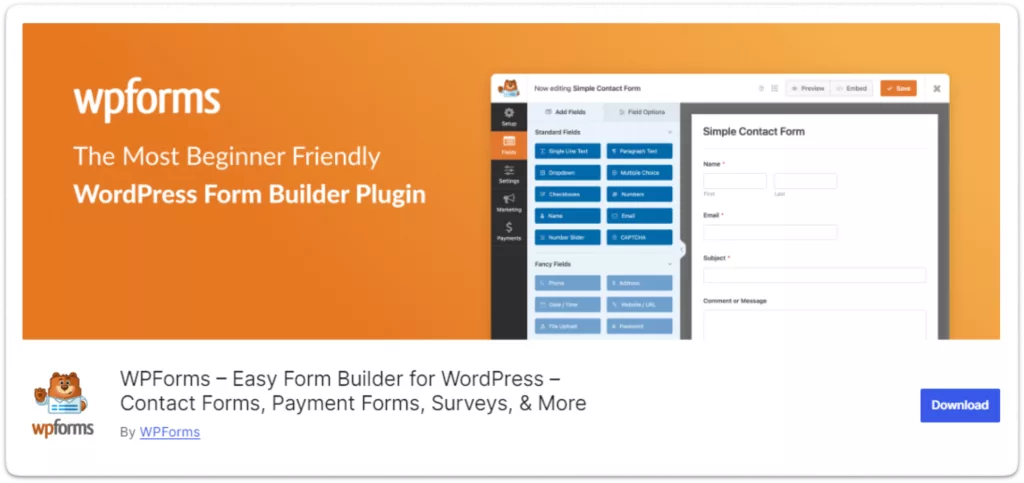
If you are looking for a more user-friendly alternative to Contact Form 7, WPForms is perfect. It is great for beginners, it has a drag-and-drop builder which means you can easily create all kinds of forms by dragging from fields. WPForms makes it super easy to create advanced contact forms in just a few minutes with the help of prebuilt templates and smart conditional logic.
Features of WPForms:
Simple Form Creation: Drag of drop builder allows you to easily create and customize your forms without any coding knowledge.
Quick-Start Form Templates: WP Forms has several pre-built form templates, such as a simple contact form, making it quick and easy to get started.
Spam Protection: WPForms has a built-in Honeypot for spam prevention.
Mobile-Friendly: Forms made with WPForms are responsive and look great on every device.
Email Notifications: Set up instant email alerts for form submissions.
GDPR Compliance: WPForms includes an option to add a GDPR agreement field, which is useful for websites that need to comply with privacy regulations.
Why WPForms Can Be a Contact Form 7 Alternatives: Given its easy setup and integrated spam protection features, WPForms is a great choice for anybody wanting to handle contact forms with no additional add-ons. This simple plugin plays into the hands quite well of those looking for advanced Contact Form 7.
3. Gravity Forms
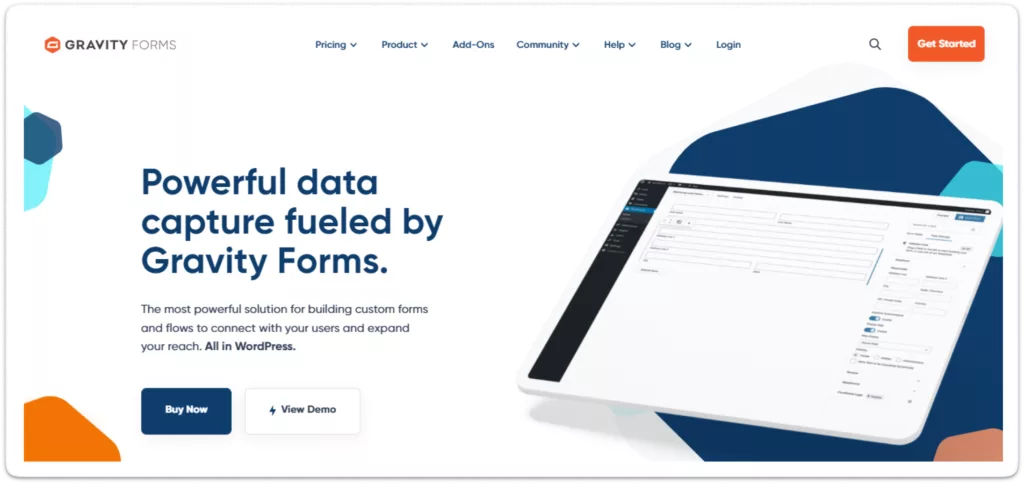
If you need a form feature or configuration that is not modular enough within Contact Form 7, then GravityForms will likely have what you’re looking for. Here is a simple to use drag and drop builder that allows you to create filled-in forms for a quick start.
Features of Gravity Forms:
Visual Form Builder: You can build beautiful forms with the simple drag-and-drop builder!
Custom Fields: For example, file uploads, quizzes, or cost calculator fields
Service links: Connect easily to payment gateways and email services.
Templates: Build custom forms faster for quick use.
Spam Protection: Shield yourself against spam using our advanced tools.
Complex File Uploads: Adequately manage file uploads with custom configuration of parameters.
Why Gravity Forms Can Be a Contact Form 7 Alternatives: Gravity Forms is ideal for users who anticipate growing needs. While its free version is basic, it offers a glimpse into the powerful capabilities of its paid plans, making it a good alternative for those looking to scale their forms’ complexity over time.
4. Fluent Forms
Fluent Forms is a versatile alternative to Contact Form 7. With easy to use, and a very simple builder, and super customized possibilities. Fluent Form is fast and It also provides additional features like integrations and conditional logic that can help you make smart forms.
Features of Fluent Forms:
Quick and easy form building: Drag-and-drop fields to create simple forms.
Custom Field Visibility: Hide Parts of Your Forms Based on People’s Choices with Conditional Hidden Custom Fields.
Pre-Made Form Templates: You will be able to utilize pre-designed forms that can support differing requirements, which helps save time.
Forms and Steps: Break your long form into steps so people can fill it out easily.
Spam Protection: No extra plugins to keep your forms spam-free.
Easily take payment: You can easily Integrate payments into your forms with PayPal, Stripe, and other gateways.
Why Fluent Forms Can Be a Contact Form 7 Alternatives: With the Fluent Form Advanced features like a drag-and-drop builder conditional logic make it one of the best options for users looking to do more than create basic forms. Even with the free version of Fluent Form, you can make a better form compared to Contact Form 7.
5. Ninja Forms
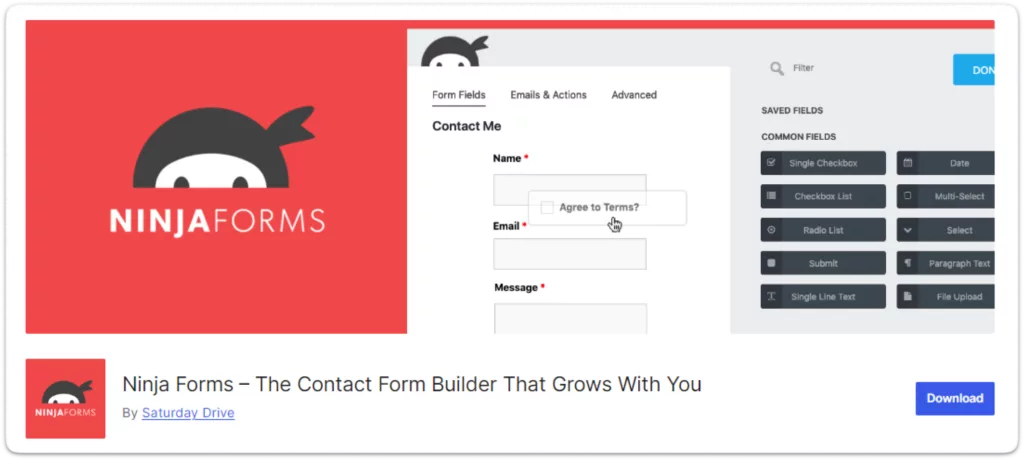
Ninja Forms is a great alternative to Contact Form 7; it takes the same approach where each field can be added by dragging. This is great for creating simple or complex forms, it even has features like conditional logic and multi-step forms.
Features of Ninja Forms:
Visual Form Creator: You can easily design your forms with the drag-and-drop interface
Instant Form Starters: Jump right in with some pre-designed templates to kickstart your form creation.
Smart Field Display – Show or hide form sections depending on what the user chooses.
File Upload: Allow your users to upload and send files through your forms effortlessly.
Payment Gateway: Direct payments in your forms with an extremely easy-to-install!
Why Ninja Forms Can Be a Contact Form 7 Alternatives: Ninja Forms stands out due to its ease of use, particularly for beginners. Its free version offers more advanced functionality compared to Contact Form 7, making it a suitable alternative for users seeking simplicity without sacrificing essential features.
6. Formidable Forms
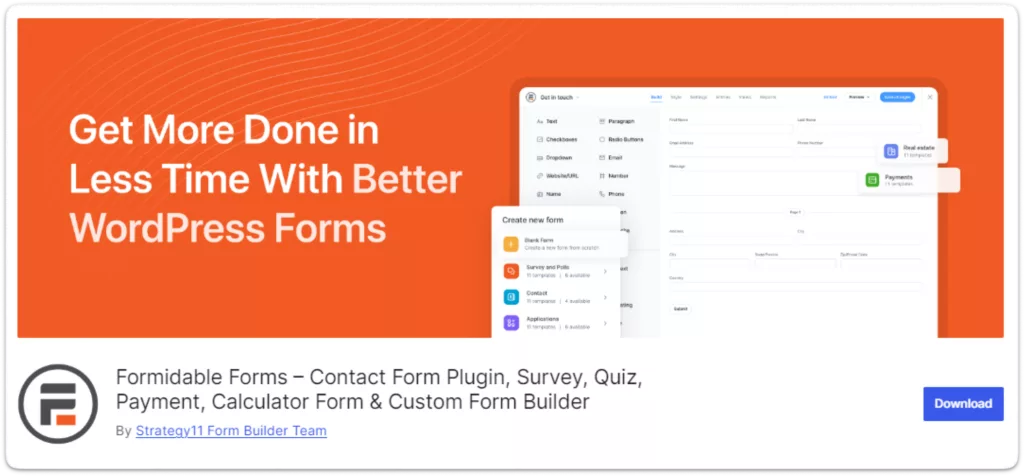
Formidable Forms has an intuitive drag-and-drop builder, smart features like conditional logic and calculations, as well as easy data management. It allows you to make complex forms without the need for additional plugins like Contact Form 7.
Features of Formidable Forms:
Drag and Drop Builder: Drag elements easily to create forms; without coding.
Real-time Form Alerts: Automate unique emails or actions when a form submission occurs
Easy Submit Management: Natively view, sort through, and organize user submissions from your dashboard.
Reply Messages: Create custom thank you notes or move the user where they answered.
Payment Options: You can add a form gateway, and then handle all the transactions on your own.
Smart Form Condition: Assign conditions of fields based on user answers.
Why Formidable Forms Can Be a Contact Form 7 Alternatives: For advanced users: if you need to do more with your forms than build a very basic contact form, Formidable Forms provides some features out of the box that Contact Form 7 cannot. This is more flexible compared to handling much lower dimensional forms.
7. HappyForms
HappyForms is focused on simplicity and ease of use, making it a great option for beginners.
Features of HappyForms:
Simple Form Building: Build easy forms by drag and drop, no code!
Form Design: You can easily design your form by using the form design features.
Easy Entry Management: You can view or edit form submissions from your WordPress dashboard.
Automatic Actions: Additionally, you can set your forms up so that—once submitted they can automatically send an email!
File Uploads: Allow users to upload files directly through your forms.
Conditional Logic: Show or hide fields based on previous answers, making forms smarter.
Why HappyForms Can Be a Contact Form 7 Alternatives: HappyForms is perfect for users who need a straightforward solution for their contact forms. Its real-time editing and simplicity make it a better option for those who find Contact Form 7’s setup too cumbersome.
8. Met Form
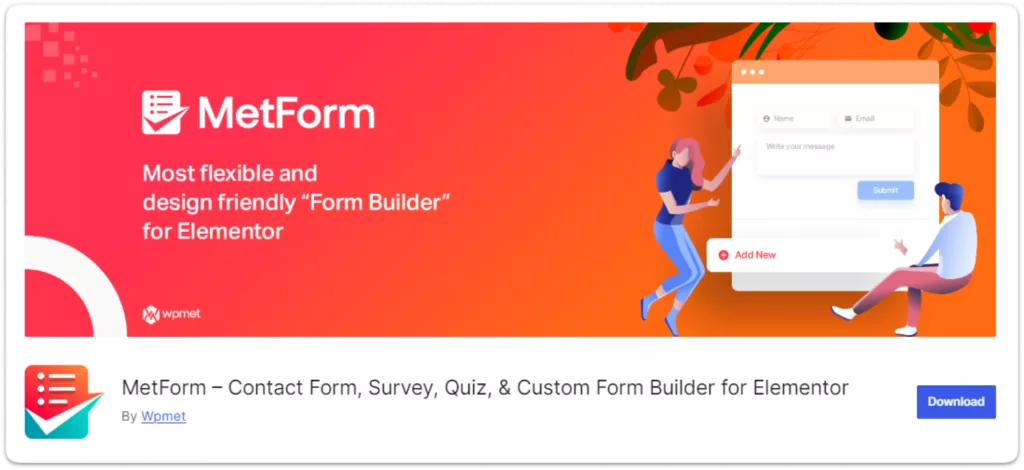
MetForms is much easier to use and more powerful than Contact Form 7 with drag-and-drop building, Elementor Integration, much better design options as well as instant built-form templates.
Features of MetForm:
Visual Form Creation: Design forms the way you want them with our powerful drag-and-drop form builder—no code required
Elementor Integration: Easily style your forms to fit in with the rest of your site that you build using Elementor.
Style without coding: change how the form looks directly in the builder.
Live Form Preview: Spanite changes will be directly displayed while building a form.
Spam Protection: Comes with anti-spam functionalities such as Google reCAPTCHA.
Why Met Form Can Be a Contact Form 7 Alternatives: Because of MetForm’s smooth integration with Elementor, it is a superior option for users who desire to create forms in their familiar page builder setting. This feature, along with its simple interface makes it a much more cohesive experience than Contact Form 7.
9. Typeform
Typeform is well-known for its unique, conversational style forms, which offer a different approach to user interaction.
Key Features:
Custom Design: Typeform allows you to adjust colors, layouts, and styles that match your brand.
Tracking: Typeform tracks how many people complete your form and other valuable data without requiring additional tools.
User Friendly: You can create comprehensive forms without needing to code.
Media: Typeform lets you add images, videos, and GIFs for media support (which allows the form to include inline pictures).
Integration with Other Tools: Typeform has integration with applications such as Google Sheets, Slack, or Mailchimp connecting you to a wide variety of services and helping save your time.
No Coding Knowledge Required: Typeform is a user-friendly form builder that lets you build complex forms without any technical knowledge.
Why Typeform Can Be a Contact Form 7 Alternatives: Typeform’s unique approach to form interaction sets it apart from Contact Form 7. Users of all levels, needing a pleasant-looking user-friendly form/notification can be used in conversation than your traditional contact form.
Final Thoughts
While all these alternatives offer valuable features, Bit Form stands out as the most comprehensive, user-friendly, and versatile option. Its modern design, advanced features, and lots of integration capabilities make it the ideal choice for anyone looking to replace Contact Form 7 with a more powerful form builder.
Whether you need a simple contact form or a complex, multi-step form with advanced logic or a conversational form, you will get everything in Bit Form! For more details, join Bit Form Facebook Community for tips and advice from fellow users and developers. Need help? Reach out via email or live chat for quick support.
Dear WordPress enthusiasts! What an unforgettable experience it was! WordCamp Dhaka 2025 is over, and wow, what an amazing event it was! From beginning to end, the energy, excitement, and community spirit were truly awesome. Bit Apps was proud to be part of this grand event as the Lalbagh Legacy (Platinum) Sponsor of WordCamp Dhaka […]
Black Friday 2025 is finally here, and it’s the best time to give your WordPress website the upgrade it deserves with huge discounts! If you’ve been thinking about improving your site’s design, automating tasks, or adding more functionality, this is the perfect opportunity. This Black Friday, you can grab amazing deals on the best plugins, themes, and automation […]
Convert site visitors into your customers by these latest WordPress chat plugins. Among them one WordPress chat widget plugin is special and very cheap. Try it.
Cookie Consent
We use cookies to improve your experience on our site. By using our site, you consent to cookies.
This website uses cookies
Websites store cookies to enhance functionality and personalise your experience. You can manage your preferences, but blocking some cookies may impact site performance and services.
Essential cookies enable basic functions and are necessary for the proper function of the website.
Name
Description
Duration
Cookie Preferences
This cookie is used to store the user's cookie consent preferences.
30 days
Cookie Preferences
This cookie is used to store the user's cookie consent preferences.
30 days
This cookie is set by Cloudflare to help manage bot traffic and protect the website from malicious activity. It does not collect or store any personal data and is used solely for security and performance purposes.
ID used to identify users for 24 hours after last activity
24 hours
_gat
Used to monitor number of Google Analytics server requests when using Google Tag Manager
1 minute
__utmt
Used to monitor number of Google Analytics server requests
10 minutes
__utmb
Used to distinguish new sessions and visits. This cookie is set when the GA.js javascript library is loaded and there is no existing __utmb cookie. The cookie is updated every time data is sent to the Google Analytics server.
30 minutes after last activity
__utmc
Used only with old Urchin versions of Google Analytics and not with GA.js. Was used to distinguish between new sessions and visits at the end of a session.
End of session (browser)
__utmz
Contains information about the traffic source or campaign that directed user to the website. The cookie is set when the GA.js javascript is loaded and updated when data is sent to the Google Anaytics server
6 months after last activity
__utmv
Contains custom information set by the web developer via the _setCustomVar method in Google Analytics. This cookie is updated every time new data is sent to the Google Analytics server.
2 years after last activity
__utmx
Used to determine whether a user is included in an A / B or Multivariate test.
18 months
_ga
ID used to identify users
2 years
_gali
Used by Google Analytics to determine which links on a page are being clicked
30 seconds
_gac_
Contains information related to marketing campaigns of the user. These are shared with Google AdWords / Google Ads when the Google Ads and Google Analytics accounts are linked together.
90 days
__utma
ID used to identify users and sessions
2 years after last activity
Clarity is a web analytics service that tracks and reports website traffic.