Looking for the best Fluent Forms alternatives in 2026? You’re not alone. Many businesses want better WordPress form builder plugins to improve user experience.
The correct form builder is essential for running a blog, an online store, or a corporate site. Form builders simplify data collection, improve user experience, and offer many customization options.
Although Fluent Forms is an excellent solution with its user-friendly interface and powerful features, there are more alternatives that you might also consider.
We will look at seven other Fluent Forms alternatives. Each has unique features to make form creation easier. There are alternatives to improve your form-building experience, whether you’re looking for a simple tool or one with advanced features!
Why Alternatives Matter
Fluent Forms is a top WordPress form builder with some cool features, including a free version. But as your business grows, you might find that the basic form doesn’t meet your needs, and you might consider upgrading to the premium plan.
Fluent Form is relatively expensive compared to other plugins on the market. You have options to switch if you would like to save money. To create advanced forms, there are other plugins available at a lower price that also make form creation easy and smooth and have more advanced features.
Considering these concerns, it might be good to look at some other top WordPress form plugins before selecting Fluent Forms. In this article, you will find some alternatives to Fluent Forms that might help you to find the best option.
Drag & drop builder, conditional logic, form templates, file uploads, user analytics
Starts at $59.40/year
Everest Forms
Simple, easy for all users
Drag & drop builder, form templates, multi-column layout, conditional logic, reCAPTCHA, CSV export
Starts at $48.30/year
MetForms
Best for Elementor users
Elementor integration, drag & drop builder, multistep forms, WordPress, and conditional logic
Starts at $39/year
1. Bit Form – Best WordPress Form Plugin
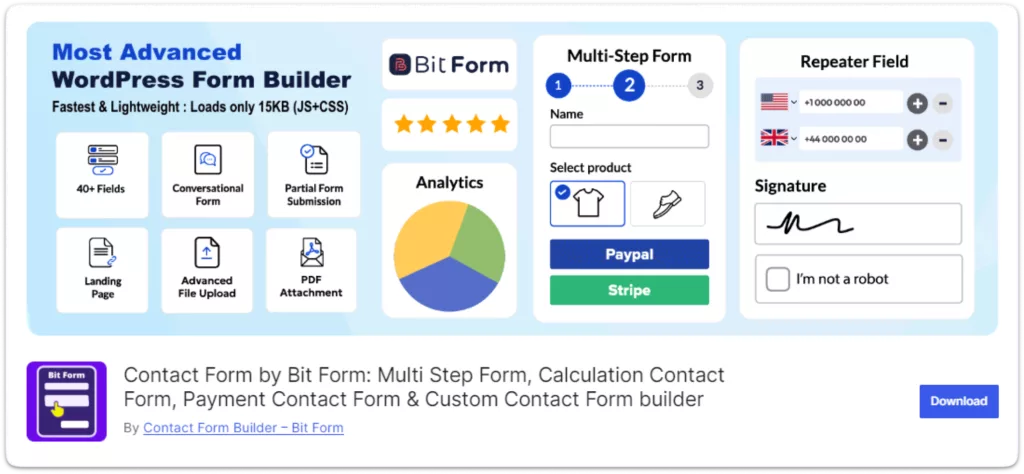
Bit Form is a top WordPress form plugin that’s easy to use and full of powerful features. It has a modern interface and works well for both simple and complex form-building needs.
Bit Form: The best WordPress form plugin is integrates smoothly with different platforms, making it a great option for businesses of any size. One of the best things is Bit Forms is super affordable but includes a lot of unique features.
Features:
User-Friendly Interface: Bit Form’s interface is designed for both beginners and experienced users, making form creation easier.
Advanced Customization: It offers three themes and rich customization options, allowing users can style forms to match their brand’s style.
Integrations Capabilities: You don’t need any extra plugins or extra fees to use Bit Form because it integrates with popular tools like MailChimp, Zapier, and Google Sheets.
Advance Calculation: Bit Form lets you easily create forms that do the math for you! Just set some conditions, and it can calculate things like Total Price based on what you input. Plus, it updates in real-time as you enter your data.
Real-Time Notifications: You’ll get instant alerts when someone fills out a form.
Accept Payment: You can accept payment by using Bit Form payment integration. Bit Form is compatible with PayPal, Stripe, and Molle. If you want a free WordPress form builder with PayPal Bit Form best WordPress form plugin would be the best option for you.
Affordability: Bit Form offers great value for money. You can try it for free, or subscribe for $29.25 a year.
Why Choose Bit Form?
Bit Form is a modern and advanced WordPress form builder with solid features, and it is ideal for effective business management. Bit Form best WordPress form plugin, is a perfect solution if you need simple contact or advanced forms withmulti-step form WordPress or WordPress form builder conditional logic, WordPress form builder with payment integration.
It is easy to use and features a friendly interface that allows beginners and experienced users to customize easily.
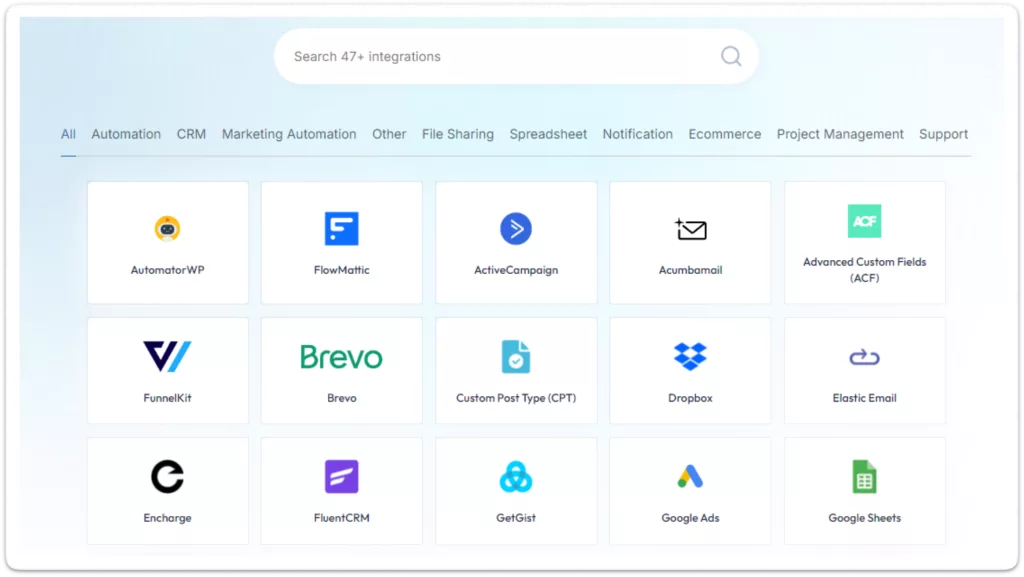
One of Bit Form’s best features is its integration with other plugins. You can easily send Bit Form data to 47+ integrated platforms. Bit Form is a highly customizable plugin compared to all available plugins on the market.
You will be surprised if you see the Bit Form price; it’s only $29.25 a year! And if the form doesn’t meet your requirements, you can ask for a refund without asking any questions!
2. Formidable Forms
Formidable Forms is the best WordPress forms plugin to help you get more done in less time. It has some fairly advanced features like conditional logic, multi-page forms and lots of integrations for different services.
Features:
Easy Form Builder: Create forms quickly by dragging and dropping fields.
Smart Fields: Show or hide fields based on user answers. You can apply conditions based on the user’s responses.
Multiple Pages: Divide long forms into multiple pages for easier completion.
Instant Calculations: You can do real-time calculations, which is great for price quotes or orders.
Connect with Other Services: Easily link forms to PayPal, Mailchimp, and more.
Why Choose Formidable Forms?
Formidable Forms is user-friendly, supports creating conditional and dynamic forms as well as it integrates perfectly with other services (like PayPal & Mailchimp). It can be used with simple also complex forms, which is an added advantage for any website.
3. WPForms
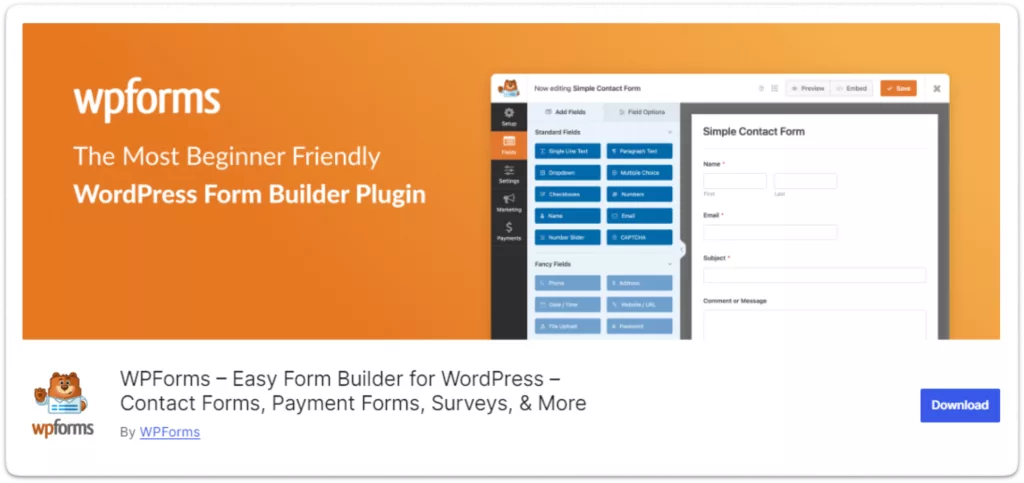
The WPForms plugin reduces the barrier to creating simple contact forms and surveys. A perfect yet powerful form builder for everyone. It is a great WordPress form builder for beginners with its drag-and-drop interface and amazing features like conditional logic and payment integration that suit pro users.
Features:
Easy Form Builder: Create forms by dragging and dropping fields using the WPForm builder.
Ready-Made Templates: Provide pre-built templates to get started quickly so you can save time.
Conditional Fields: Show or hide fields based on user answers and inputs.
Payment Options: Accept payments through PayPal and Stripe.
File Uploads: Allow users to upload files and attachments.
Form Stats: Track how many people view and submit your forms.
Why Choose WPForms?
Whether you are just starting or already a professional, WPForms is suitable for all types of users. Lots of integrations and add-ons make it flexible for different types of business uses.
4. Gravity Forms
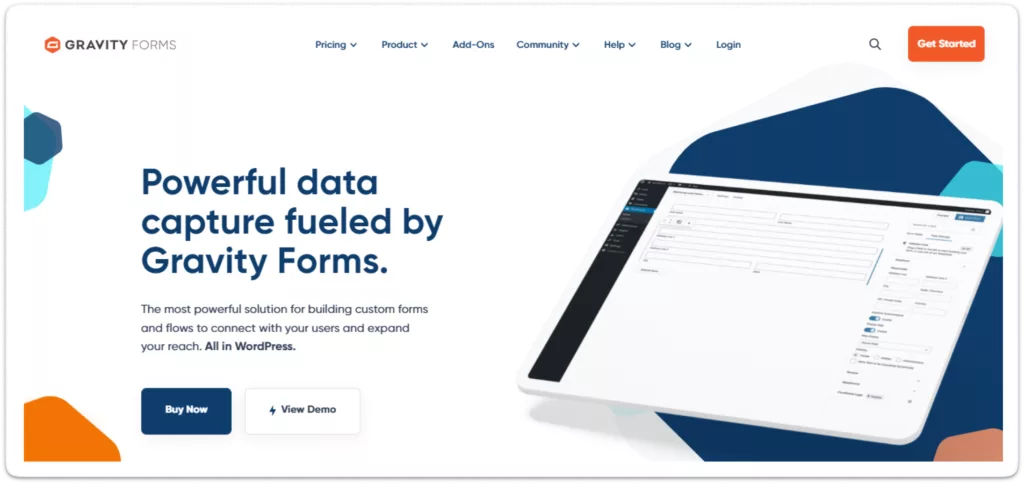
This plugin tool is for users who want advanced features and extensive control over their forms. It enables even complex forms to be built quickly. With conditional logic, multi-page forms, and many add-ons, Gravity Forms is perfect for the most straightforward survey through complex data collection. Whether you need a minor tweak and adjustment or an entirely added fieldset, Gravity Forms allows you to customize it easily per your requirements.
Features:
Advanced Form Building: Create complex forms with multiple pages, file uploads, and sophisticated fields.
Extensive Add-Ons: Get payments, CRM integration, and more enhanced functionality.
Conditional Logic: Make smart forms that adjust based on user input.
Developer Friendly: It is a good option if you are a Developer and Looking for a customizable form.
Payment Gateways: Integrate with popular payment gateways like Stripe, Paypal
Why Choose Gravity Forms?
There are more advanced features, and the ability to much greater customization with Gravity Forms. One more reason to choose Gravity Forms for your complex form needs is its conditional logic feature and integration capabilities.
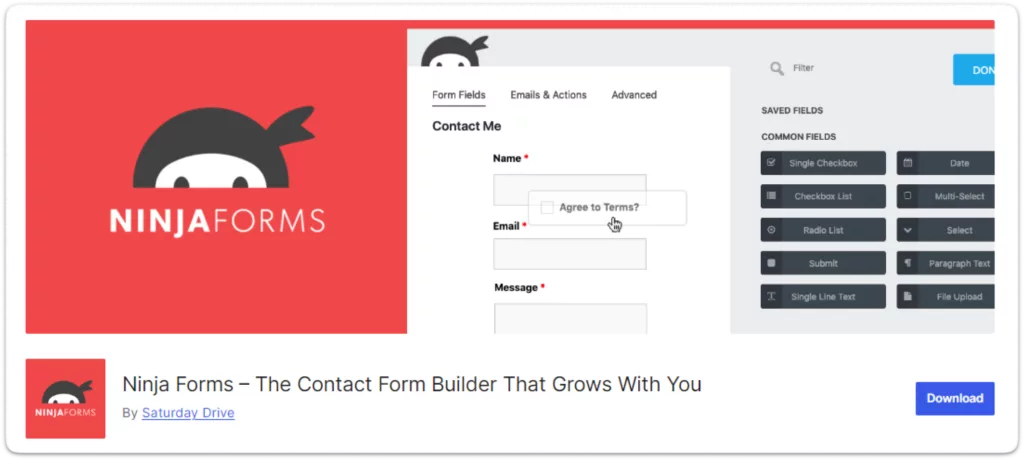
5. Ninja Forms
The Easy and Powerful WordPress Form Builder is Ideal For those looking for a custom form builder with infinite possibilities. Ninja Forms is Lightweight and feature-rich and fit for any form-building needs.
Features:
Drag-and-Drop Interface: You can create forms without coding.
Unique Field Validation: Ensure fields like emails are unique, avoiding duplicates.
Flexible Add-Ons: Buy only the features you need without a full membership.
Conditional Logic: Customize form fields based on user input.
Multi-parts Forms: User experience will be better when the forms are going to split into multiple steps.
Integrations: You can link PayPal, Mailchimp, and many others.
Why Choose Ninja Forms?
Lots of customization and add-ons With its easy-to-use interface and support for lots of other tools, it is perfect to start with while also providing more features for advanced users. Ninja Forms is simple but does not mean fewer options, and you get both contact forms & multi-step complex forms.
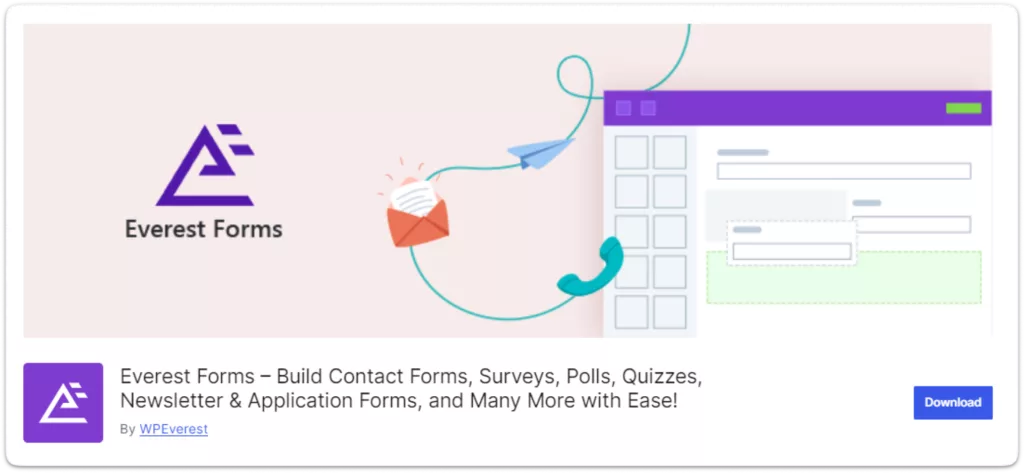
6. Everest Forms
Everest Forms for WordPress offers a user-friendly form-building experience. It is famous for its clean interface and ease of use. Everest Forms helps users create beautiful forms quickly and easily.
Features:
Drag-and-Drop Builder: Create Forms with a User-Friendly Interface.
Form Templates: You can start with readymade templates.
Responsive Design: Forms look great on all devices.
Form Import/Export: Move forms between websites or store them locally.
Conditional Logic: Show or hide fields based on user inputs.
Multi-Column Layout: You can organize your forms with multiple columns.
Why Choose Everest Forms?
Everest Forms is perfect for users who need a straightforward and efficient form builder. Its focus on usability and essential features makes it a reliable choice for various form needs. The platform’s simplicity ensures that even those with minimal technical skills can create professional forms.
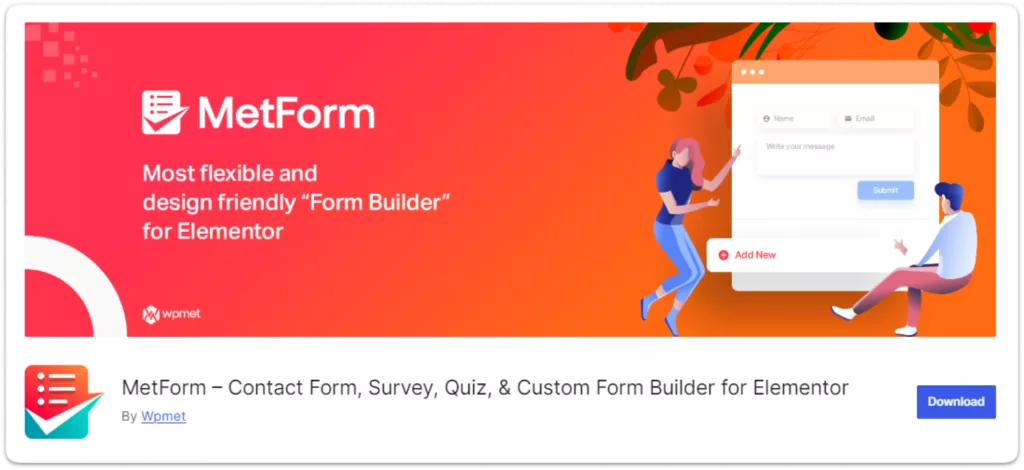
7. MetForms
One of the best Elementor form builder MetForms is a powerful form builder tool that has been developed to use as a form building plugin with Elementor on a WordPress site. This metForms plugin can be effortlessly integrated with Elementor, allowing the user to design and build a form without leaving your page. You can easily create a contact form for Elementor form builder with MetForm.
Features:
Elementor Integration: A seamless design experience with the popular Elementor page builder.
Drag-and-Drop Builder: Create forms easily within the Elementor interface.
Form Analytics: You can generate detailed reports on form performance.
Conditional Logic: You can show or hide fields based on user responses.
Integrations: Met Form can be connected with common email marketing tools and CRM systems.
Multi-Step Forms: Create a multistep form in WordPress to make the experience more engaging.
Which Form Builder Should You Choose
Choosing the right form builder depends on your unique needs. Here are some standout features to help you decide on Fluent Forms alternatives:
Bit Form: Best for its user-friendly design, affordable pricing, powerful features like conditional logic, advanced calculation, multistep form WordPress, and integration with over 47 platforms.
Formidable Forms: The form is best for advanced users for complex forms, advanced calculations, and dynamic fields.
WPForms: WPForms is a perfect WordPress form builder for beginners. It has a drag-and-drop builder and ready-made templates to make the form creation easier.
Gravity Forms: This one is great for developers who need lots of customization, multi-page forms, and advanced integrations. This Gravity Forms vs Bit Form comparison may help you.
Ninja Forms: Offers flexibility, making it a top choice for web developers needing custom forms.
Everest Forms: Excellent for educators or non-profits, featuring a simple drag-and-drop builder and pre-designed templates.
MetForms: Perfect for Elementor users, providing seamless integration and an easy design experience within Elementor.
Each plugin has unique strengths, but Bit Form stands out for its ease of use and powerful features. Here is a details comparison between Bit Form and Fluent Form.
Make a Comparison Between Fluent Forms and Bit Form(Fluent Forms alternative)
Bit Form is lightweight and loads only 15 KB JS & CSS, ensuring your forms load quickly and don’t slow down your website. This keeps your visitors happy and helps with SEO. Fluent Form is also efficient, but as a Fluent Forms alternative; Bit Form’s lightweight approach gives it a plus in speed. Bit Form’s interface is easy to use, even for non-tech users. Fluent Form is user-friendly too, but Bit Form makes form creation even simpler.
Affordability
Bit Form offers more affordable plans compared to Fluent Form pricing. For this reason, Bit Form is a great choice for small businesses and startups. You get premium features without spending extras. Bit Form is an economical choice for businesses. Here is the Bit Form Pricing.
Fluent Form has competitive pricing, but Bit Form provides more features at a lower cost. Here is the Fluent Form pricing.
User Friendliness
Fluent Form is user-friendly, but Bit Form best WordPress form plugin is even easier to use. The drag-and-drop builder in Bit Form lets you create forms quickly without technical knowledge. Fluent Form also offers drag-and-drop, but Bit Form’s interface is more intuitive and responsive for all devices.
Integration Capabilities
Fluent Form integrates with popular platforms, but Bit Form offers even more options. This makes Bit Form better if you need to connect your forms with many third-party services. Both support essential integrations and Bit Form’s integrationlist ensures you can link all your favorite tools. You can also use Bit Integrations to add more integrations to your form. With Bit Integrations, you can connect 295+ plugins and apps with Bit Form.
Performance
Bit Form’s lightweight design ensures your forms load faster, improving the user experience. Fluent Form is efficient, but Bit Form’s approach gives it a plus in speed. The performance boost from Bit Form can improve your site’s usability and SEO.
Customization
Both form builders offer customization options, but Bit Form provides more advanced settings. So you can easily customize and style your WordPress form. This allows you to match your forms to your brand’s look and needs. Fluent Form offers good customization, but Bit Form’s advanced options give you more control.
Conclusion
The form builder you choose will determine how effectively and professionally you collect data and interact with people from your website. Although Fluent Forms is known for being reliable and easy to use, you should try some Fluent Forms alternatives, different people like Bit Form, Formidable Form, WPForms, Gravity Forms, and Ninja Forms.
The top Fluent Forms Alternatives WordPress plugin in 2026 is Bit Form, the best WordPress form plugin. Its easy interface makes creating forms easier. Advanced features like multistep form WordPress, conditional logic, and a calculator can be customized to fit your branding and needs. For more details, join Bit form Facebook Community for tips and advice from fellow users and developers. Need help? Reach out via email or live chat for quick support.
When selecting a form builder, consider your needs: What data will you collect? How much customization will you need? What type of user experience are you hoping to provide? Choosing the right form builder can help you meet your data collection goals and improve your experience. Remember that choosing the right plugin can lead to better user interactions and more effective data management!
He writes about WordPress, SEO, automation, and SaaS with hands-on experience. He creates tutorials, comparisons, and practical content by understanding real use cases, search intent, and AI visibility.
Dear WordPress enthusiasts! What an unforgettable experience it was! WordCamp Dhaka 2025 is over, and wow, what an amazing event it was! From beginning to end, the energy, excitement, and community spirit were truly awesome. Bit Apps was proud to be part of this grand event as the Lalbagh Legacy (Platinum) Sponsor of WordCamp Dhaka […]
Black Friday 2025 is finally here, and it’s the best time to give your WordPress website the upgrade it deserves with huge discounts! If you’ve been thinking about improving your site’s design, automating tasks, or adding more functionality, this is the perfect opportunity. This Black Friday, you can grab amazing deals on the best plugins, themes, and automation […]
Convert site visitors into your customers by these latest WordPress chat plugins. Among them one WordPress chat widget plugin is special and very cheap. Try it.
Cookie Consent
We use cookies to improve your experience on our site. By using our site, you consent to cookies.
This website uses cookies
Websites store cookies to enhance functionality and personalise your experience. You can manage your preferences, but blocking some cookies may impact site performance and services.
Essential cookies enable basic functions and are necessary for the proper function of the website.
Name
Description
Duration
Cookie Preferences
This cookie is used to store the user's cookie consent preferences.
30 days
Cookie Preferences
This cookie is used to store the user's cookie consent preferences.
30 days
Cookie Preferences
This cookie is used to store the user's cookie consent preferences.
30 days
This cookie is set by Cloudflare to help manage bot traffic and protect the website from malicious activity. It does not collect or store any personal data and is used solely for security and performance purposes.
Used to monitor number of Google Analytics server requests
10 minutes
__utmb
Used to distinguish new sessions and visits. This cookie is set when the GA.js javascript library is loaded and there is no existing __utmb cookie. The cookie is updated every time data is sent to the Google Analytics server.
30 minutes after last activity
__utmc
Used only with old Urchin versions of Google Analytics and not with GA.js. Was used to distinguish between new sessions and visits at the end of a session.
End of session (browser)
__utmz
Contains information about the traffic source or campaign that directed user to the website. The cookie is set when the GA.js javascript is loaded and updated when data is sent to the Google Anaytics server
6 months after last activity
__utmv
Contains custom information set by the web developer via the _setCustomVar method in Google Analytics. This cookie is updated every time new data is sent to the Google Analytics server.
2 years after last activity
__utmx
Used to determine whether a user is included in an A / B or Multivariate test.
18 months
_ga
ID used to identify users
2 years
_gali
Used by Google Analytics to determine which links on a page are being clicked
30 seconds
_ga_
ID used to identify users
2 years
_gid
ID used to identify users for 24 hours after last activity
24 hours
_gat
Used to monitor number of Google Analytics server requests when using Google Tag Manager
1 minute
__utma
ID used to identify users and sessions
2 years after last activity
_gac_
Contains information related to marketing campaigns of the user. These are shared with Google AdWords / Google Ads when the Google Ads and Google Analytics accounts are linked together.
90 days
Clarity is a web analytics service that tracks and reports website traffic.